Home library
Know what you own before you buy another copy.
Book Ledger is a phone-first shelf for the books already in your house. Scan them once. The next time a shop copy looks new, you can check the barcode against your own list.
If this phone already has books saved, Book Ledger opens your shelf instead of this page.
What it does
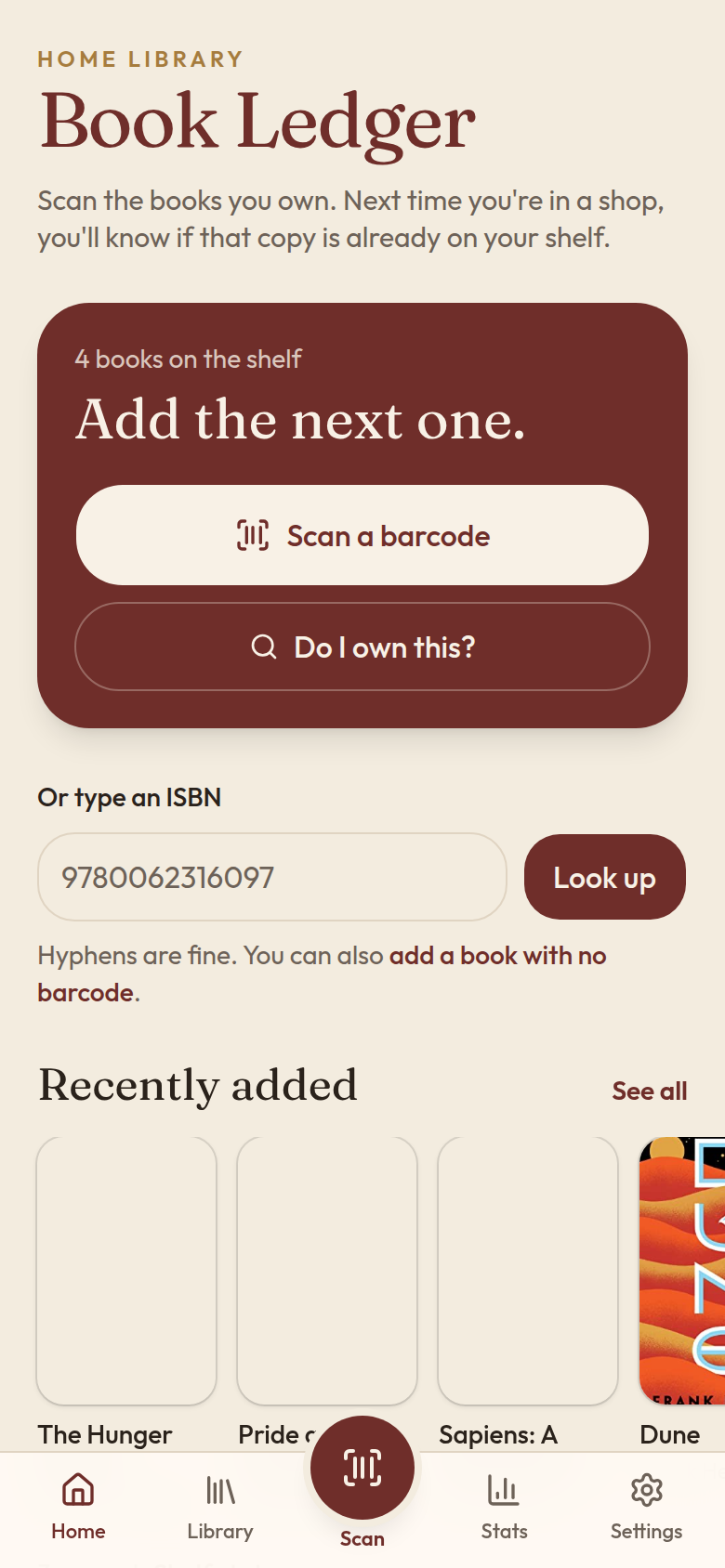
Scan what you own
Point the camera at a barcode, or type the ISBN. Book Ledger asks Open Library, then Google Books, and keeps the result on this phone.
Catch the second copy
An exact ISBN match means you already own that printing. A different barcode with the same title and author is flagged as another edition before you pay.
Remember loans and shelves
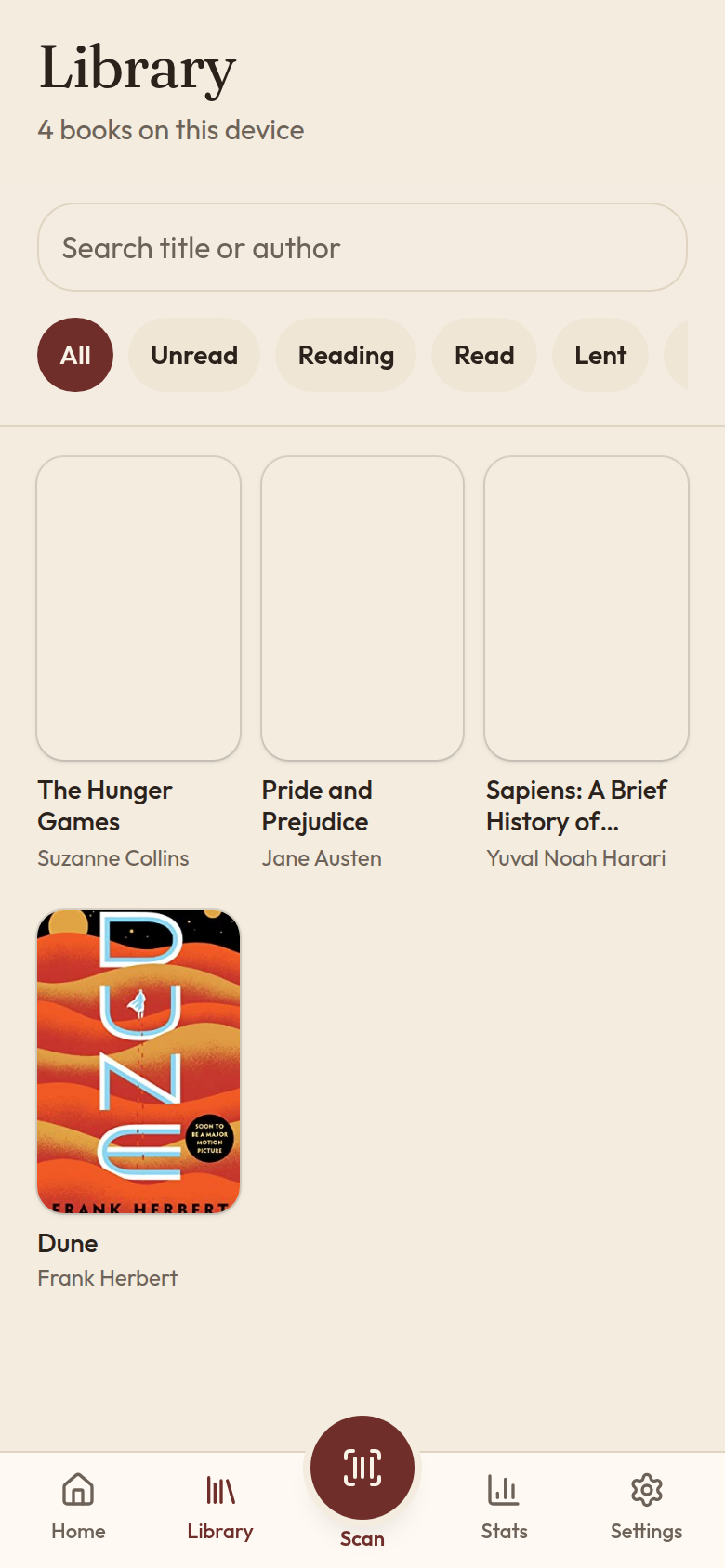
Each book can hold a read status, a rating, a spot in the house, notes, and who borrowed it. Stats and Ask read that list locally.
On a phone
The app is meant to be used in a shop aisle. These are the home screen and the library, from the same build you install.
Add it to your home screen
Book Ledger is an installable web app. Your books stay in this browser. On iPhone, a home-screen icon keeps that data much longer than a tab you close.
- Open this site in the phone browser. On iPhone, use Safari.
- iPhone: tap Share, then Add to Home Screen, then Add.
- Android or desktop Chrome: open the browser menu and choose Install app, or Add to Home screen.
- Open Book Ledger from the new icon and scan a book you already own.
Clearing site data, or deleting the icon, removes the library unless you exported a backup from Settings. Guides for duplicates, loans, series order, and small shelves are on the reads page.